











Your Guide to a Happy and Productive Team in Norfolk
Banish neck pain for good.
Is your company striving for a more productive and healthier team? At iQ Workspace, we understand the challenges of creating a truly comfortable and efficient work environment.
A frequent cause of workplace discomfort and reduced focus is persistent neck pain. This guide provides practical advice for your team to create a happy, healthy, and comfortable workplace. This will improve overall performance and job satisfaction.
We are here to help you identify the five sneaky causes of neck pain. We will show you how to fix them with clever office space planning, office space design and installing the right office furniture. This will give your team the support and comfort they need.
This knowledge can empower you and your team to take control of your workspace and your health moving forward.
In today’s world, businesses are navigating economic challenges and a strong push towards sustainability. Many companies seek innovative ways to recycle or repurpose old furniture. They mix it with their current office designs, which is, of course, brilliant, no doubt.
But what about the furniture you currently have?
And well, how is it impacting your team’s neck and back comfort? Employers play a crucial role in providing ergonomic office setups that can significantly reduce neck pain among their employees. By understanding these factors, you can take proactive steps to create a workspace that promotes well-being and productivity. Let’s dive into the five main categories of pain:
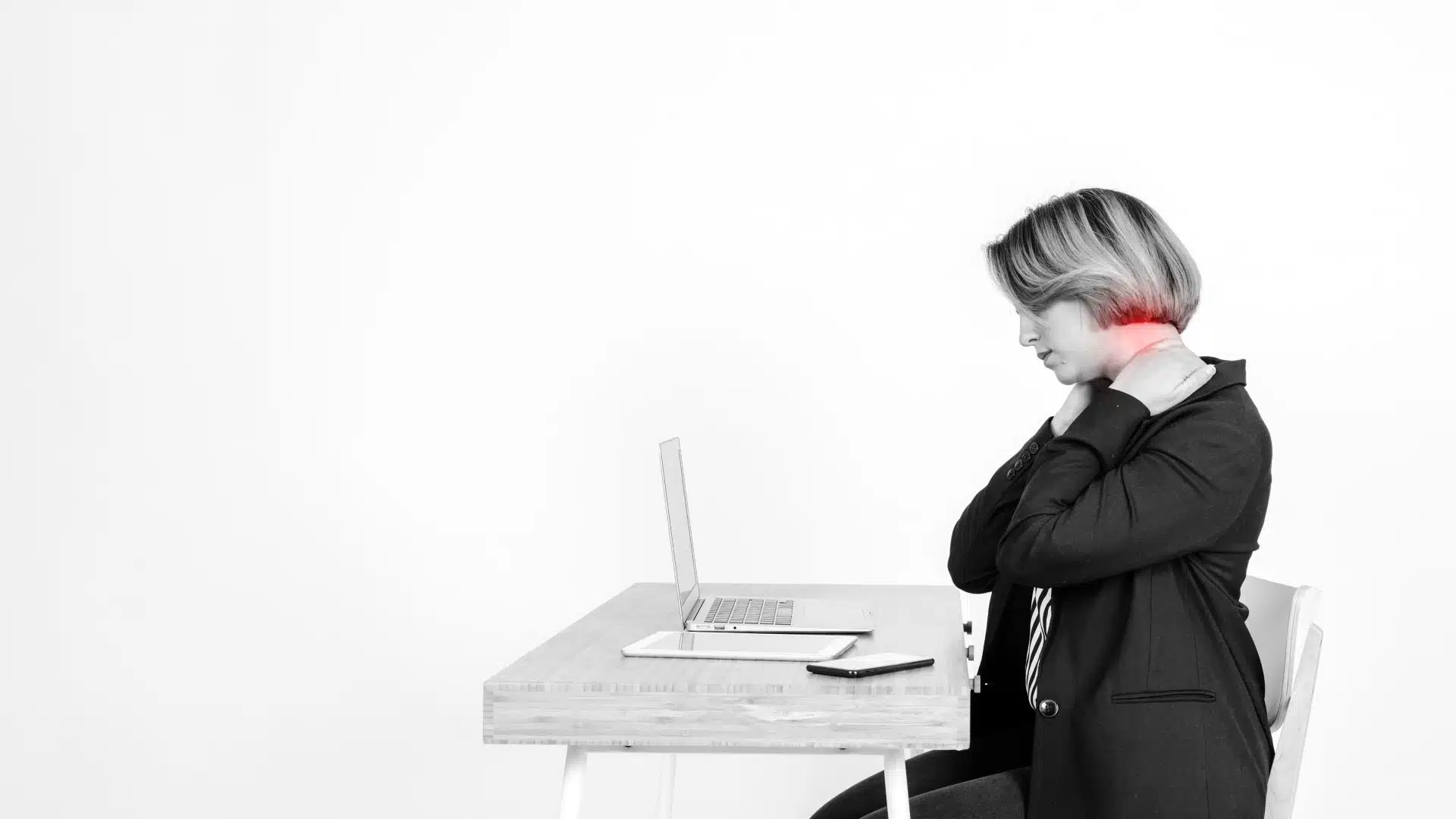
Ever wrapped up a project only to find your neck feels like it’s been in a wrestling match? You’re certainly not alone. Understanding the root cause of neck pain while sitting at your office desk is a key step toward preventing it.
We’ve all been there. We sit at our desks for hours, and then we feel a stiff back, a sore neck, and a headache. Sound familiar?
If so, you’re probably wondering what the best posture is for sitting at a desk. This article from Backcare Chiropractic offers a comprehensive guide to achieving perfect posture.
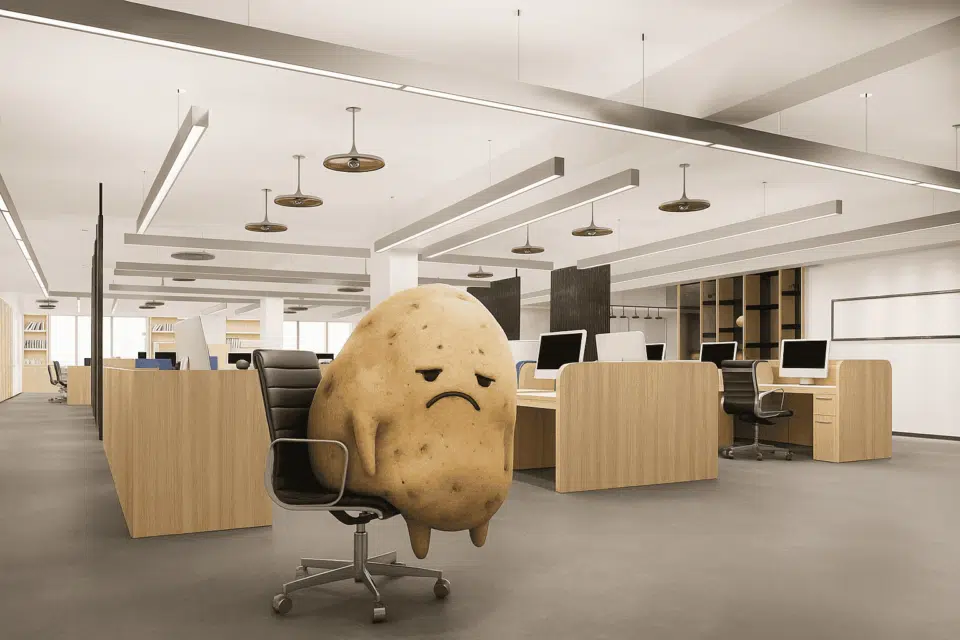
Posture Strain: Are you a slouch potato?
And well, how is it impacting your team’s neck and back comfort? Maintaining proper posture is super important for preventing neck pain when you’re glued to your computer.
Unfortunately, sitting for hours because of poor office design or a lack of ergonomic office furniture can put a strain on your neck, back, and shoulders.
When you start feeling that familiar soreness, the muscles around your spine and shoulder blades get all tense. Continue working in the same position, and those muscles will fatigue, leading to increased pain.
hen, other muscles jump in to compensate for the tired ones, and before you know it, you’ve got significant pain and muscle tension throughout your neck and upper back. And this is no fun, or is it?
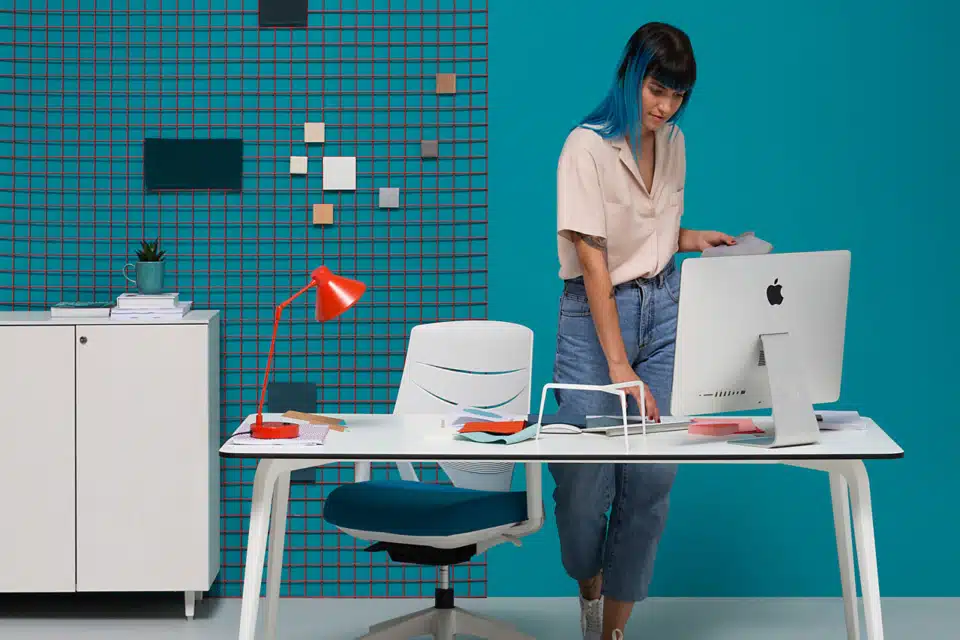
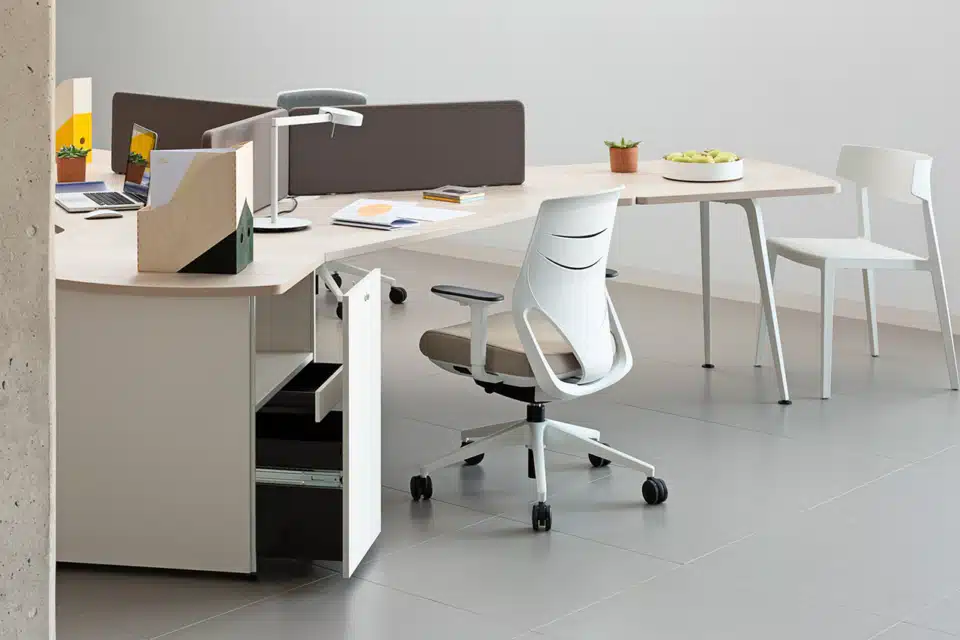
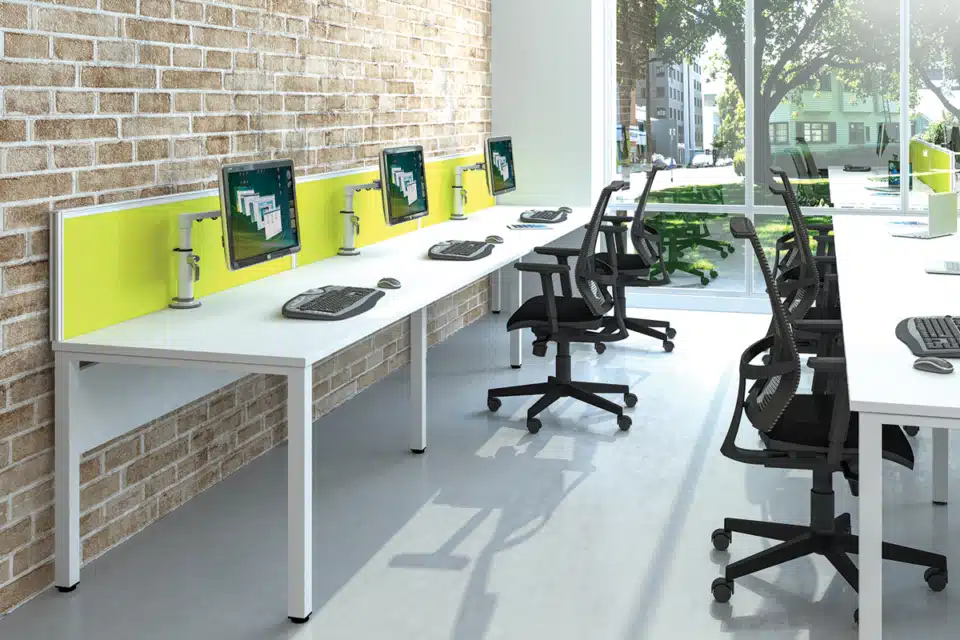
How to combat posture strain with smart office furniture
If sitting is your jam, limit your sessions to 20-30 minutes, then get up, stretch, and move. Regular breaks and movement are crucial in preventing neck pain and maintaining overall health in the office.
When sitting, ensure you have the right office set up, especially an ergonomic office chair that provides proper support. Your lower back needs support to stop you from slouching.
Some ergonomic office chairs are incredibly adjustable, fitting a whole range of body types.
We have one that does it all. Check out our Sitesse Ergonomic office chair that does it all.
- First, make sure you’re sitting fully back in your chair.
- Second, ensure your lower back is supported, either by the chair’s design or, if you don’t have the right chair, by a comfy pillow. Remember that this won’t fix the issue in the long term.
- Your hips and knees should be at about 90 degrees, your body upright, and your elbows naturally supported on the armrests.
- Another brilliant idea is an adjustable-height desk or a standing desk converter. These allow you to switch positions easily while you work.
- When standing, keep your feet at a comfortable distance apart, approximately shoulder-width and maintain an upright posture, avoiding slouching or leaning.
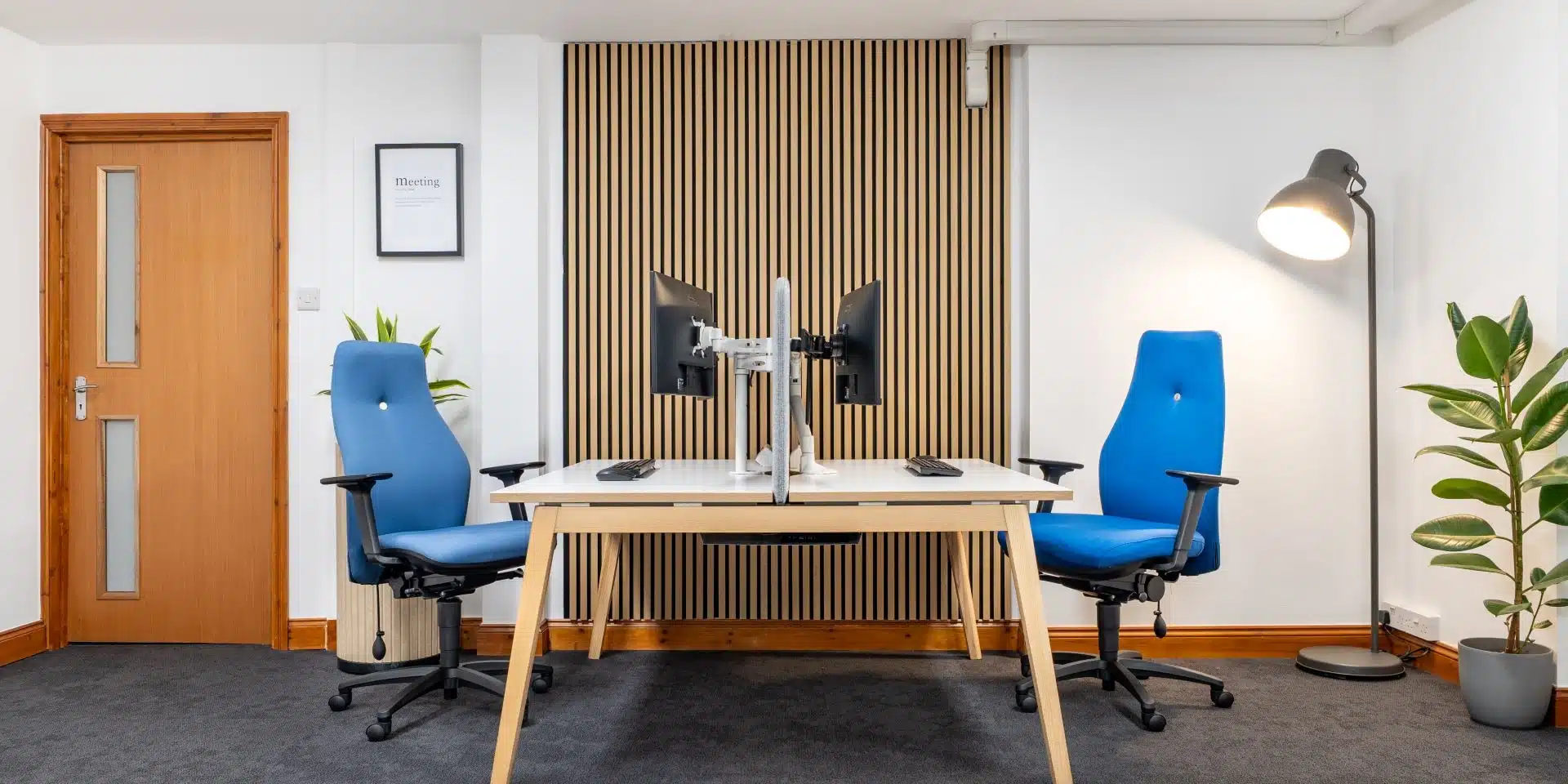
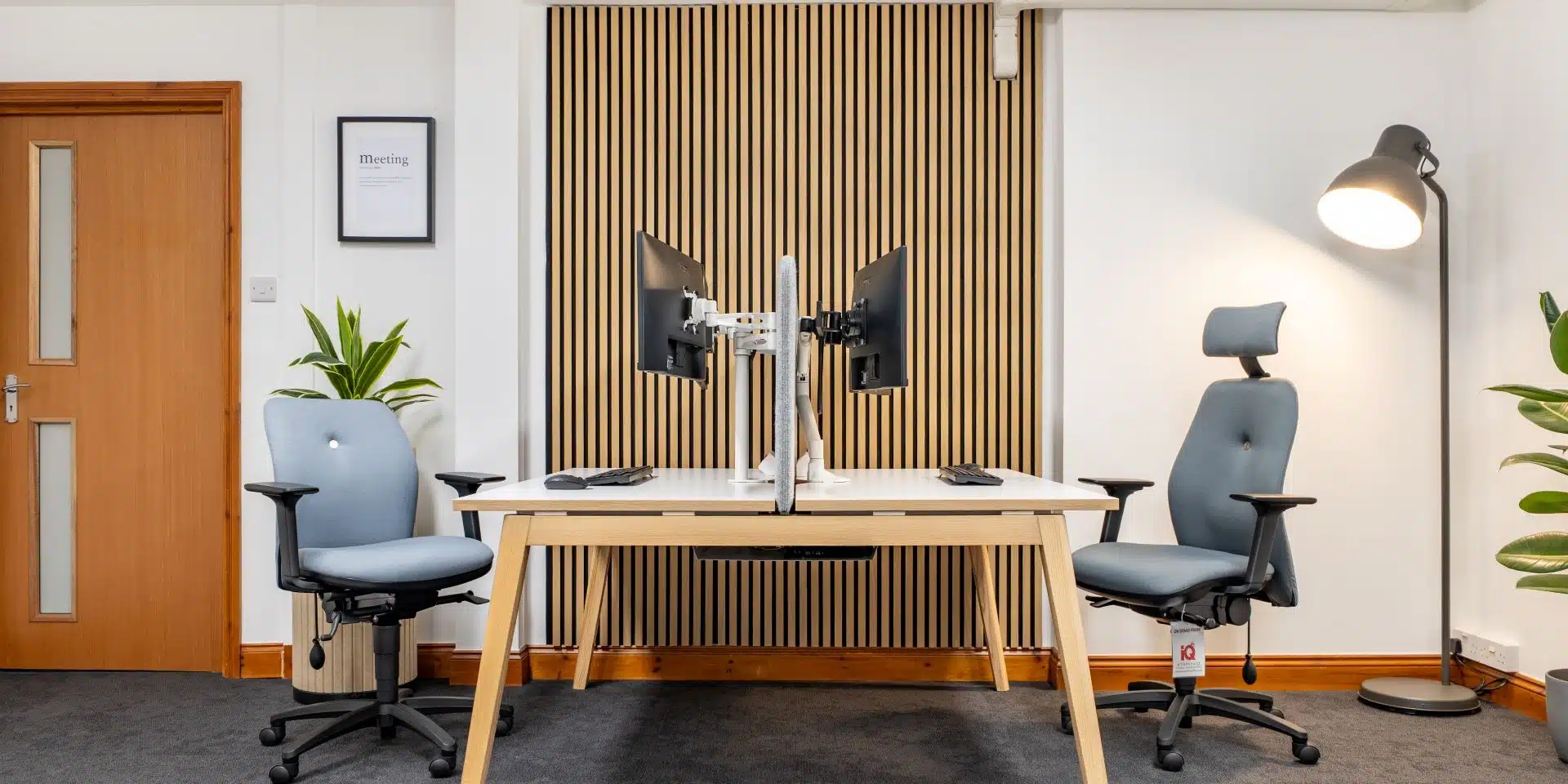
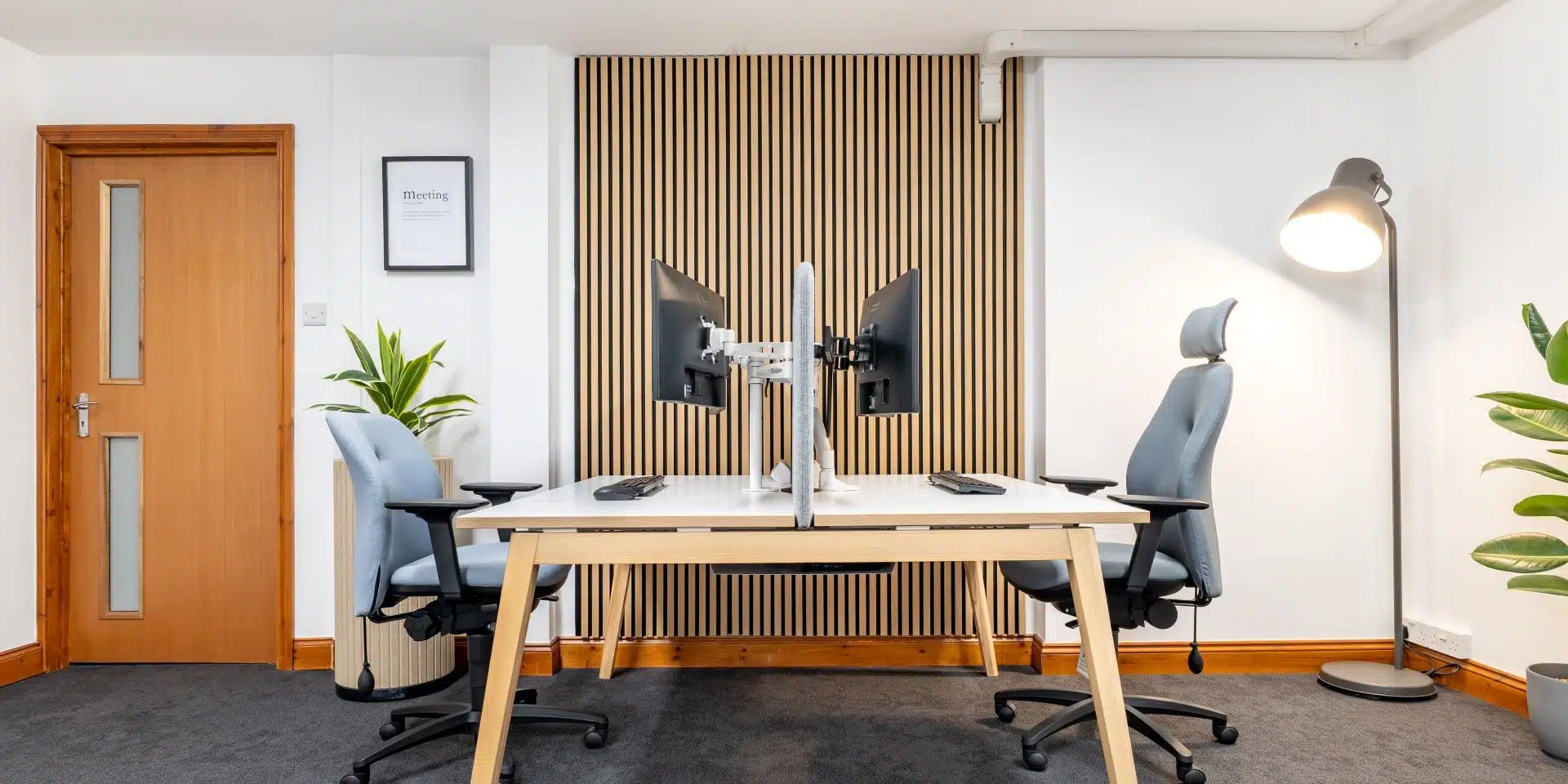
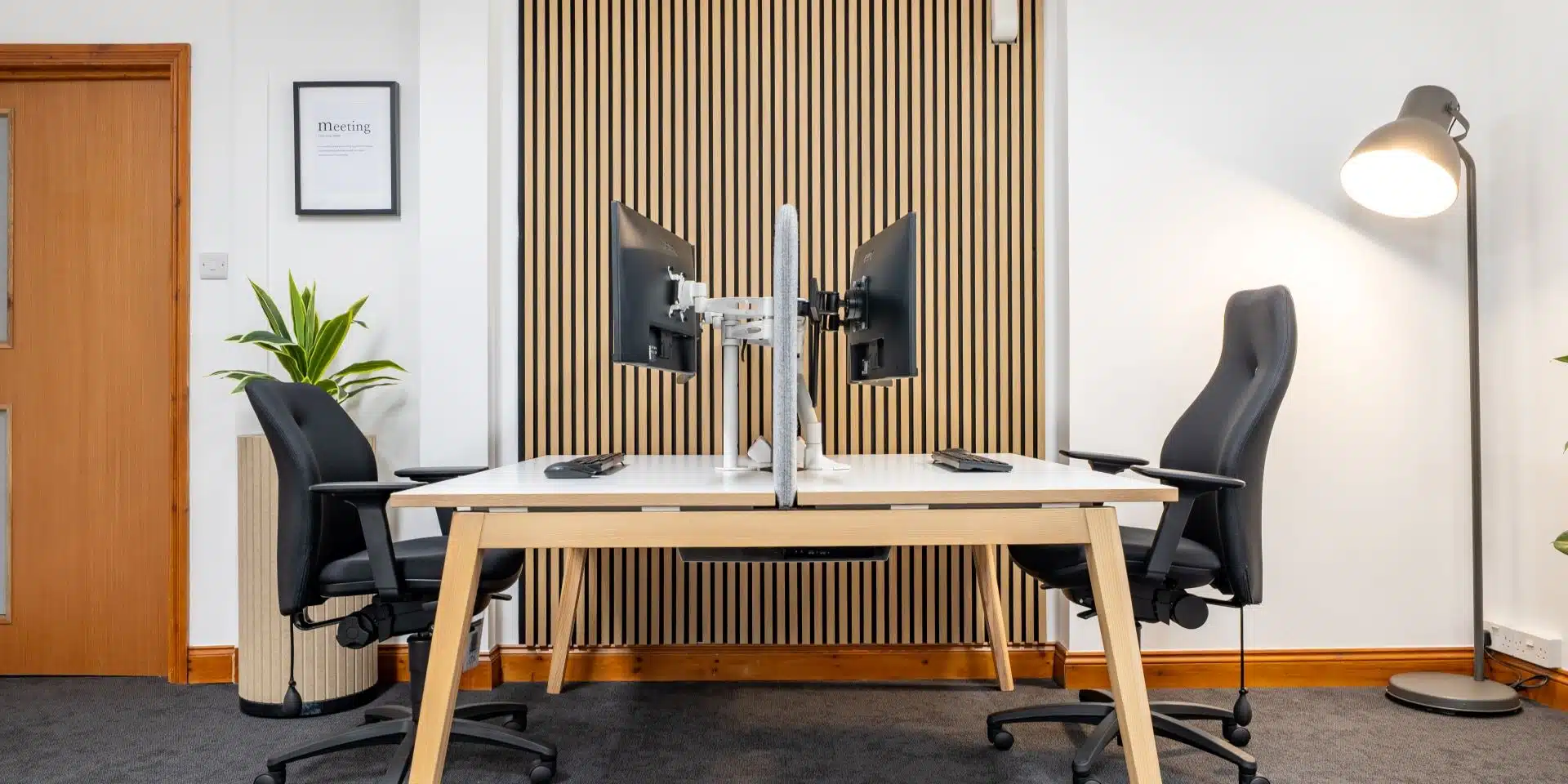
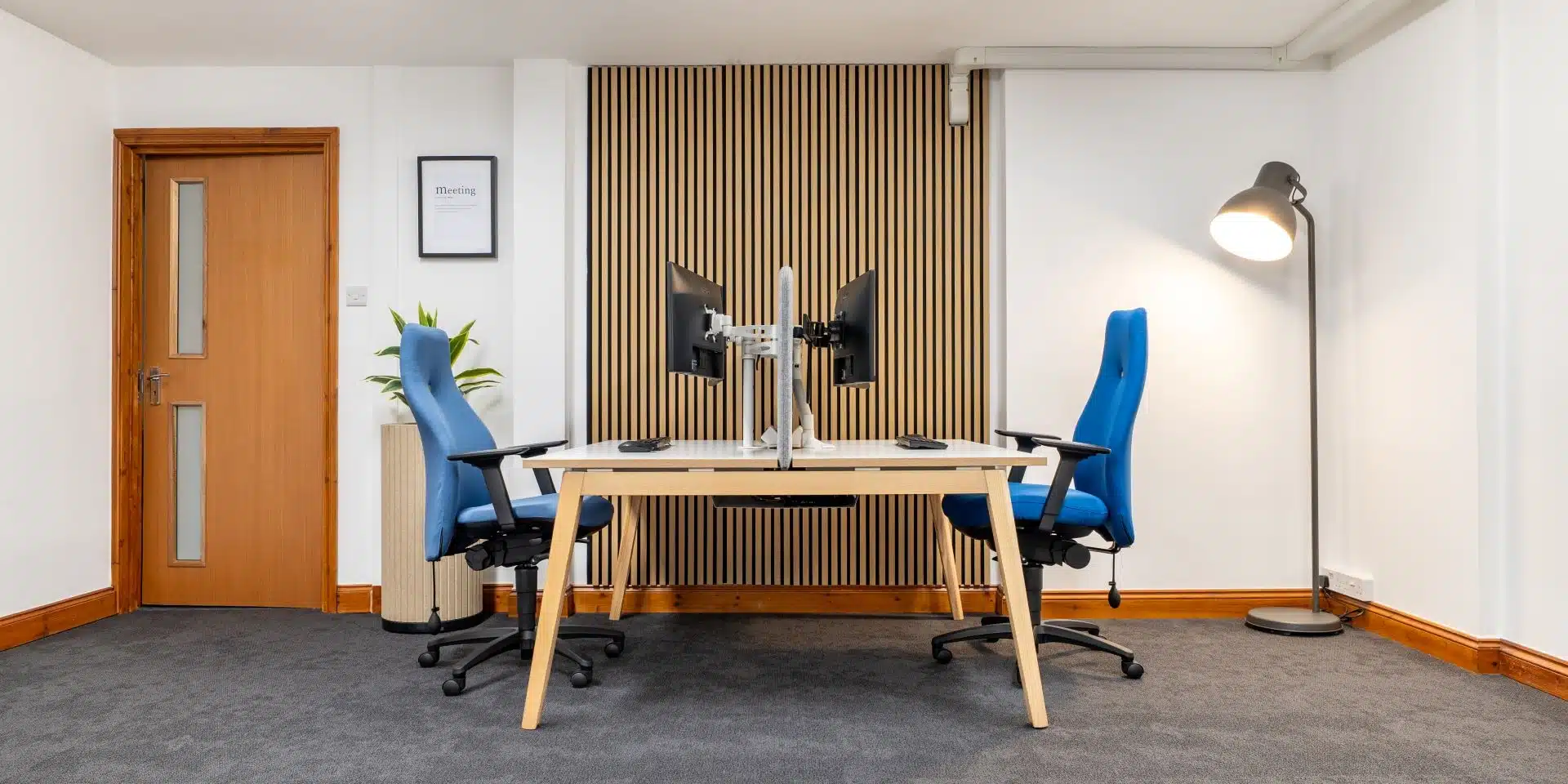
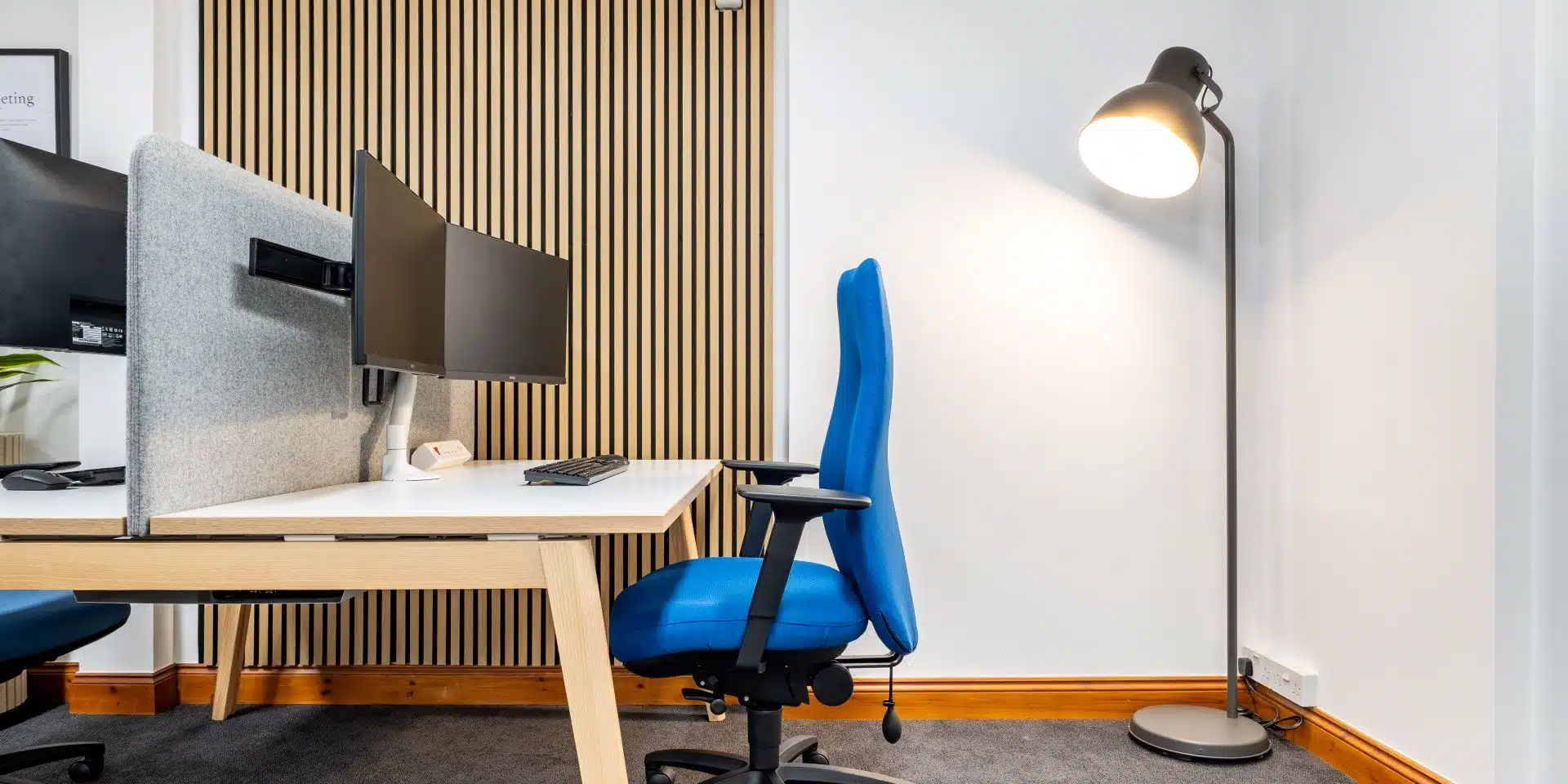
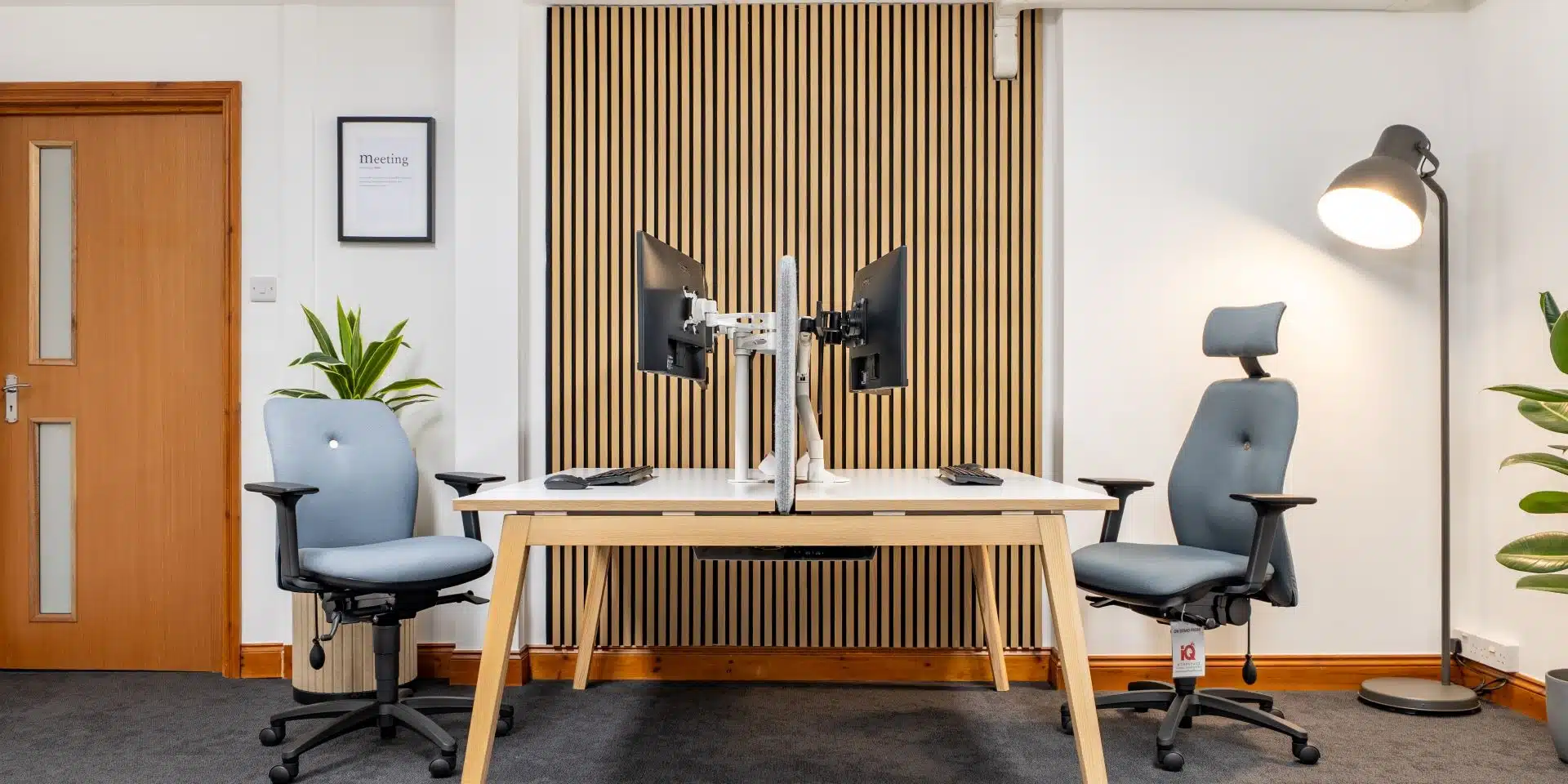
Desk Setup: Is your desk a pain in the neck?
Your office desk is a key player in your workstation, and if it’s not set up correctly, it can be a significant source of neck pain. If you’ve got a standard sitting desk, the height needs to allow you to type naturally.
If your desk is too high, you’ll end up shrugging your shoulders to reach the keyboard, leading to tired, spasming neck muscles. This tension often translates to those little muscles at the base of your skull, causing headaches that start at the back of your head and creep to the front. Ouch, ouch, ouch, we don’t want that.
On the other hand, if your desk is too low, you’ll be forced to lean forward, which means you must extend your neck more than usual to view your monitor. This forward head posture shortens the suboccipital muscles, leading to muscle spasms, neck pain, and headaches. Nobody wants that.
How to optimise your desk setup for comfort
Your desk should be at a height that allows you to reach it easily while keeping your arms at your sides and your elbows bent at a 90-degree angle. It also needs to be large enough to fit your computer, keyboard, mouse, and other essential items.
Make sure your monitor is positioned at least 20 inches away from your eyes to help prevent eye strain. A well-designed office space takes all these factors into account to ensure everything works harmoniously together.
Looking for ways to relieve aches and pains? Bupa UK’s Physiotherapist, Emma Mitchell, shares some useful TIPS on stretches in this video, simply click here for easy office stretches.
Monitor Setup: Are you straining to see?
Your computer monitor is another common culprit for neck pain during long work sessions. It should be at or slightly below eye level to maintain a neutral position for your neck.
While most monitors come with a stand, many aren’t adjustable, which can be a real issue for your neck.
How to create a better monitor setup
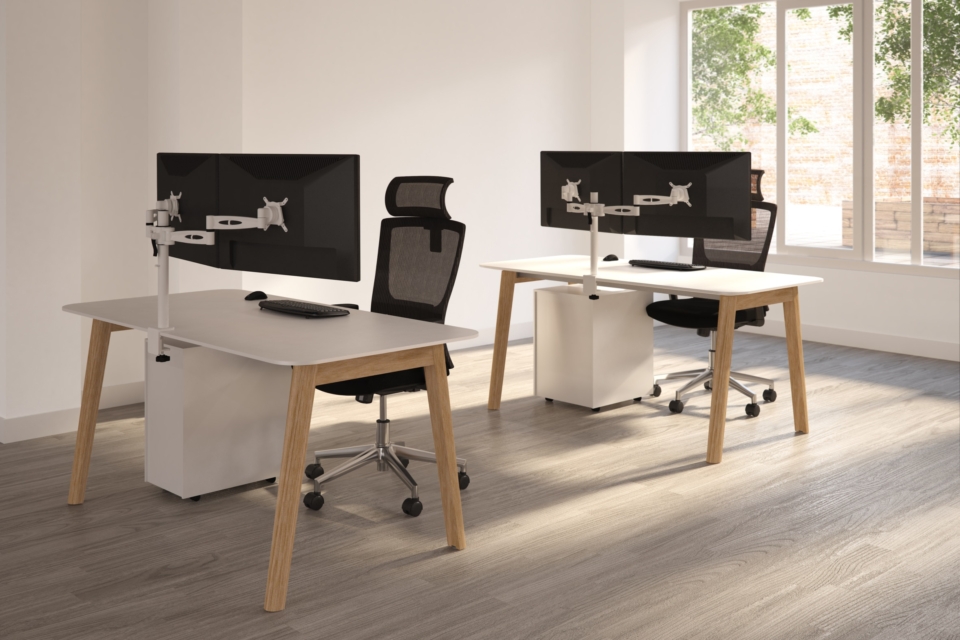
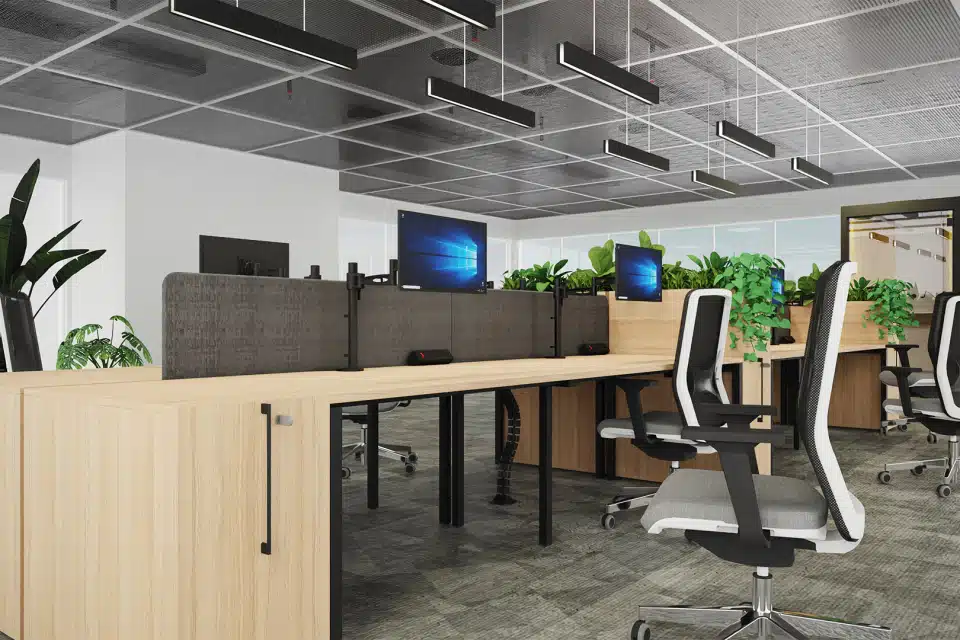
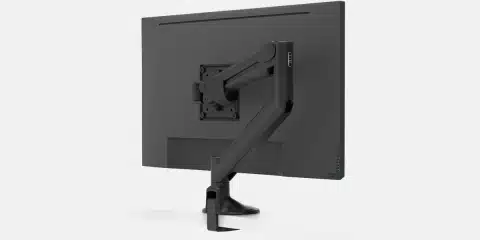
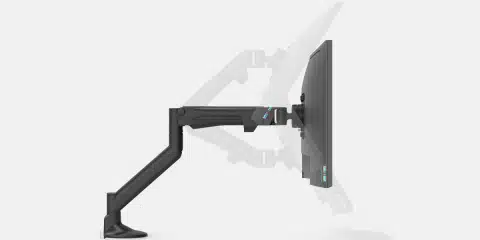
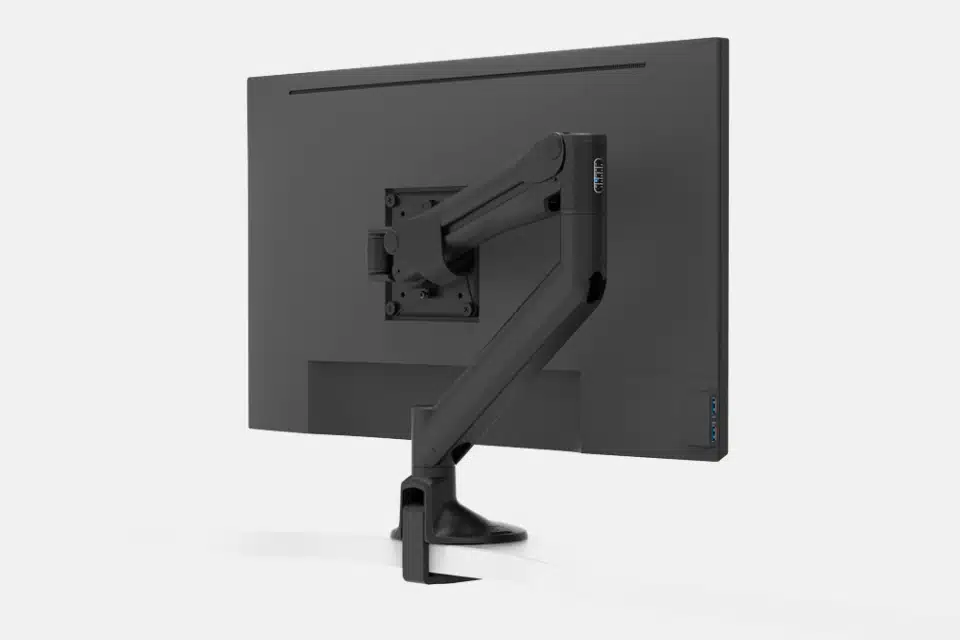
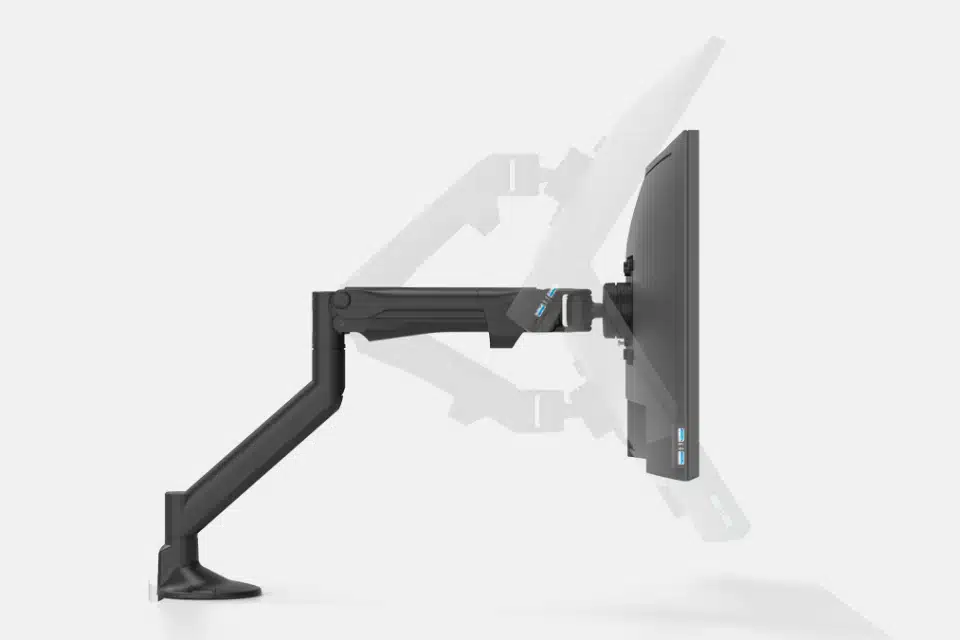
If your monitor is too short, prop it up on a small shelf or box to get it to the correct height. Even better? Use a separate monitor mount. These often attach to the back of your screen, offering greater flexibility for adjusting height and distance from your eyes.
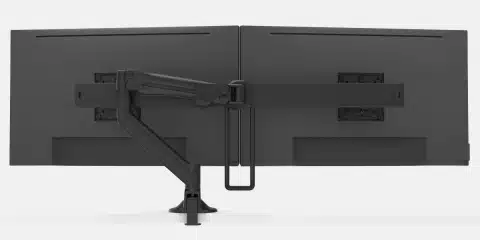
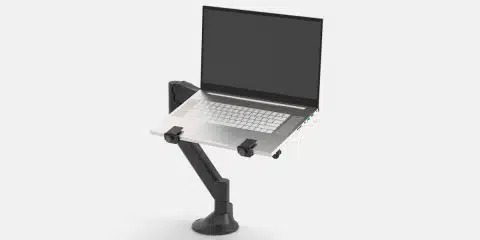
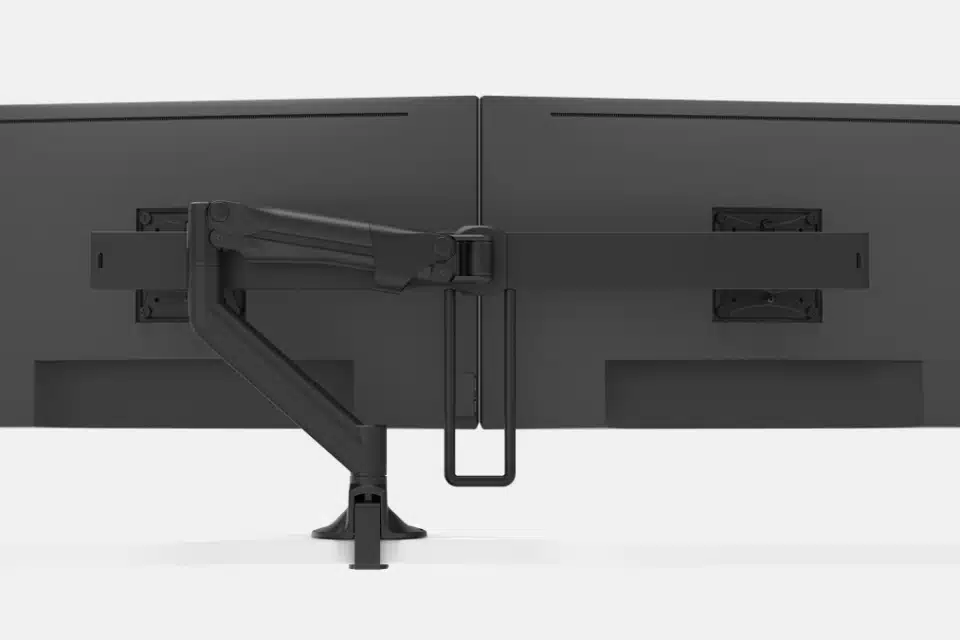
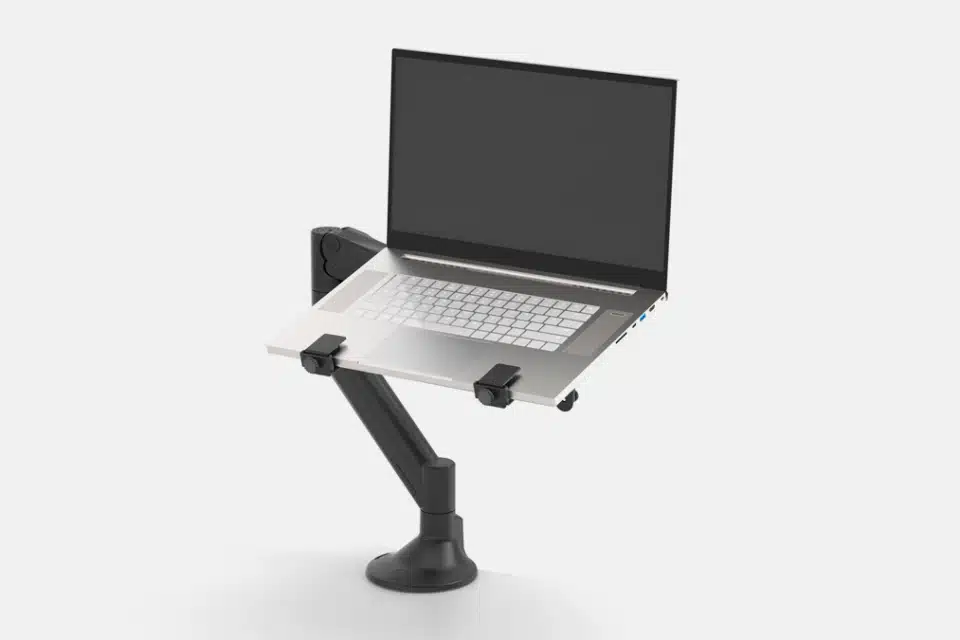
At iQ Workspace, we highly recommend the Levo Gas Lift Monitor Arm. This is not just any monitor support. It is a top-notch solution made for great flexibility and strong stability. Adjusting the height is effortless with its smooth gas lift, and the ball joint makes fine-tuning the screen’s angle a breeze.
Additionally, it’s easy to install and features integrated cable management to keep your workspace tidy. This makes it great for hot-desking environments. It works well with various setups, such as dual-screen configurations. It can also be used with large touchscreens.
Standing Desks: Upgrade your ergonomics
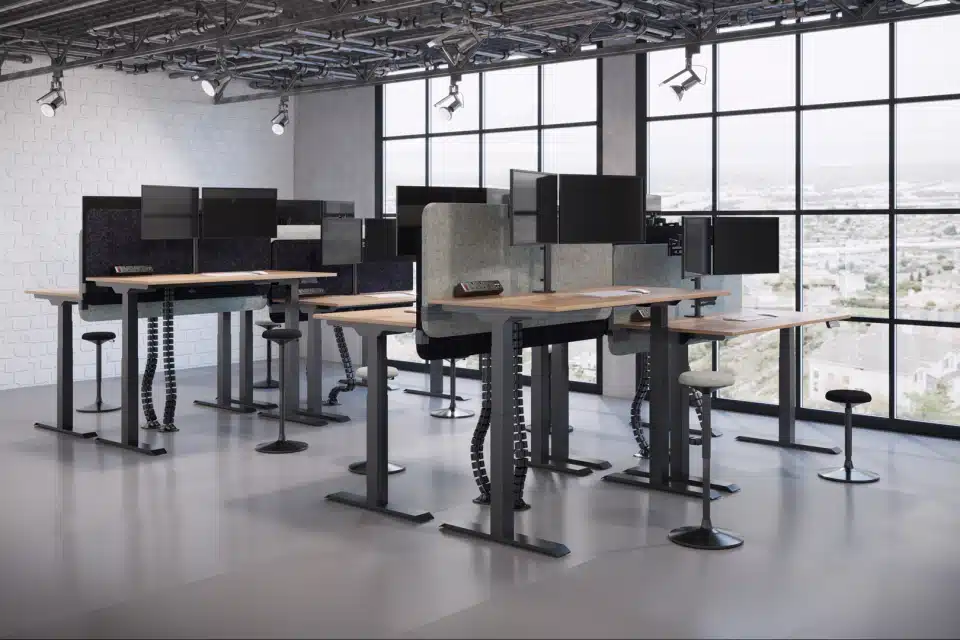
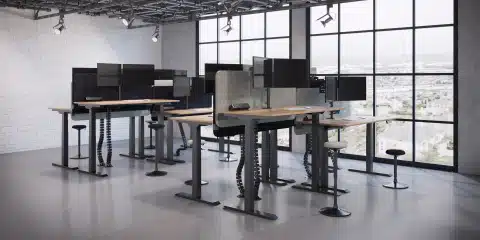
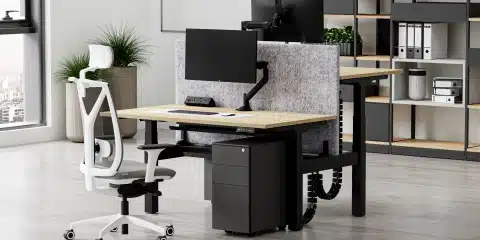
These ergonomic guidelines regarding screen height apply to both traditional sitting desks and popular standing desks. Some modern standing desks come with a monitor arm attached. This ensures your display is adjusted well, whether you sit or stand.
If a full standing desk isn’t for you, standing desk converters are a fantastic alternative. These innovative additions sit on your desk. They let you switch easily between sitting and standing.
They help you have better posture and encourage more movement during your workday. This can lower the risk of neck and back pain, improving your overall health and well-being. Our office furniture experts are always on hand to help you find the ideal solution for your needs.
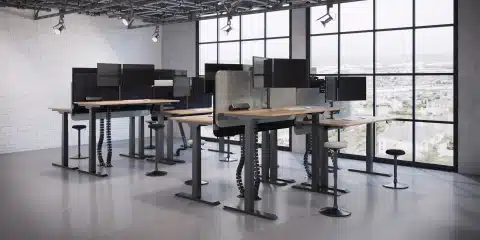
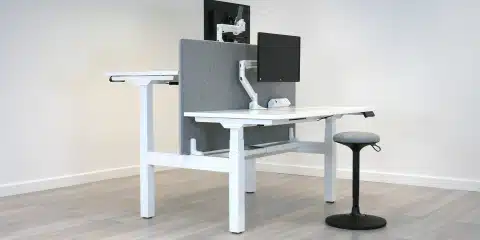
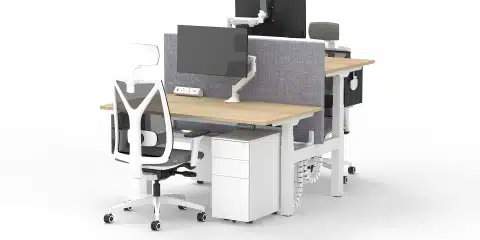
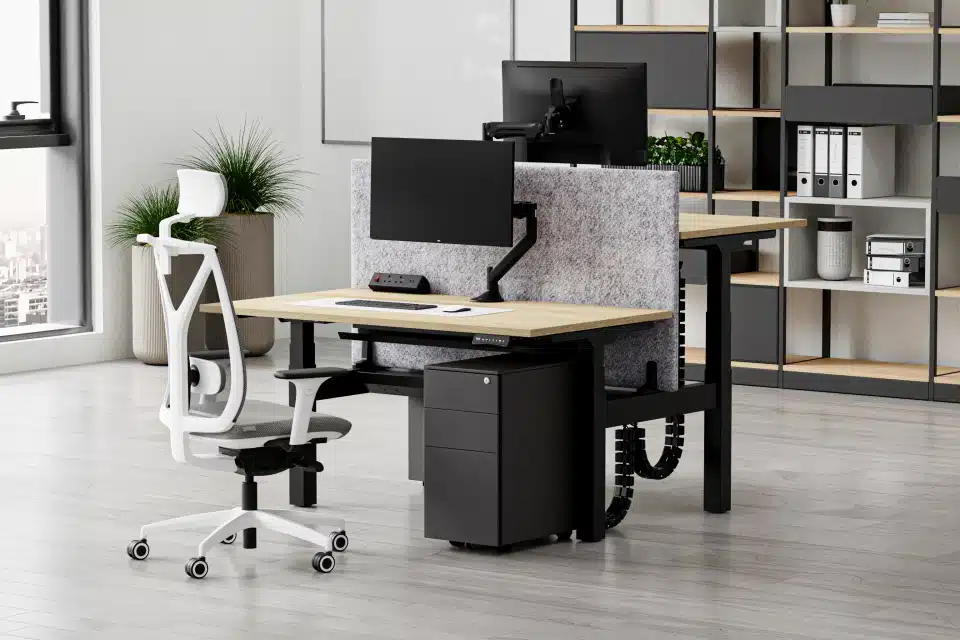
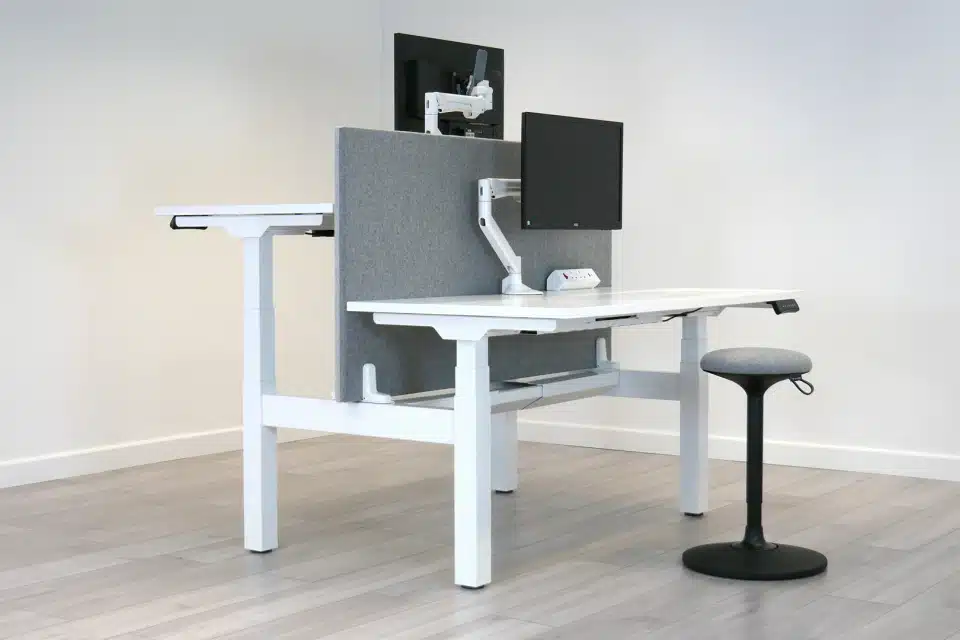
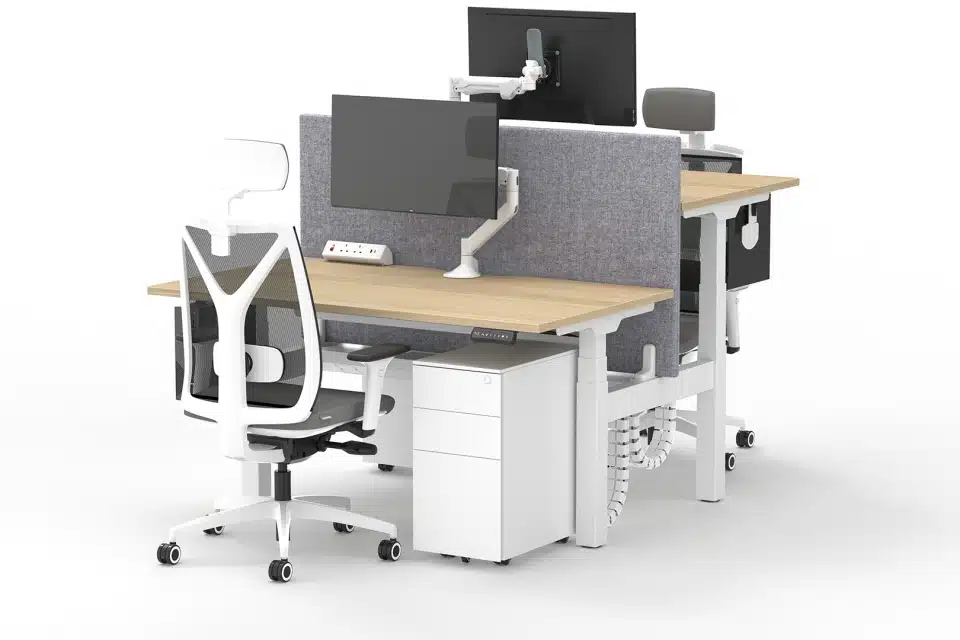
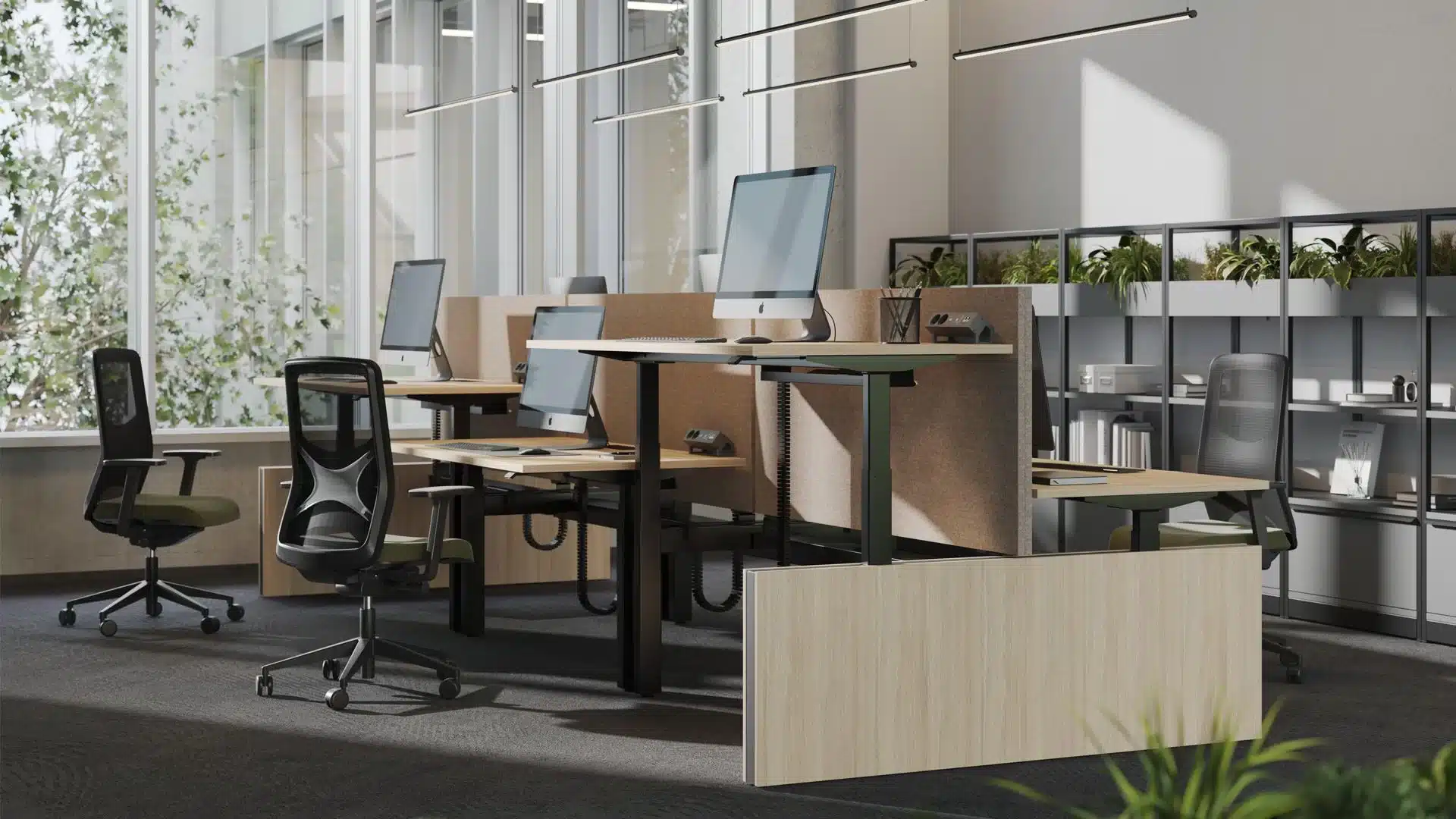
When it comes to standing desks, we recommend the Alto 2 Standing Office Desk
This workstation truly has everything you need in a height-adjustable desk. It has strong twin motors for quick height adjustment. It also features an advanced anti-collision system with adjustable sensitivity for safety and durability.
The Alto 2 lets you easily save your most comfortable sitting and standing positions with three height memory presets. A handy reminder function will even nudge you when it’s time to switch positions, encouraging healthier habits.
You can pick from different desktop finishes to match your office decor. It comes in sleek black or white frames.
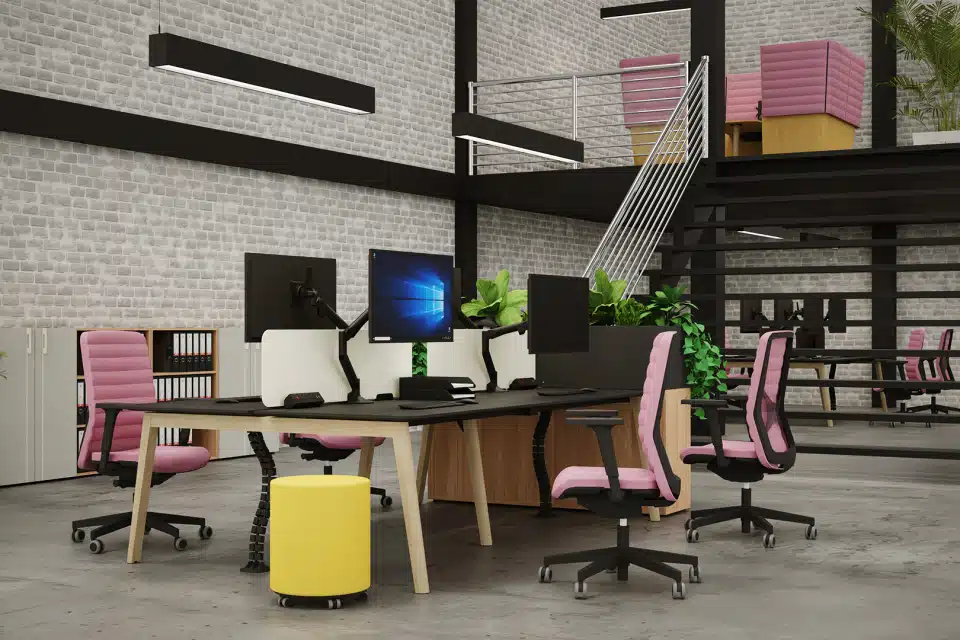
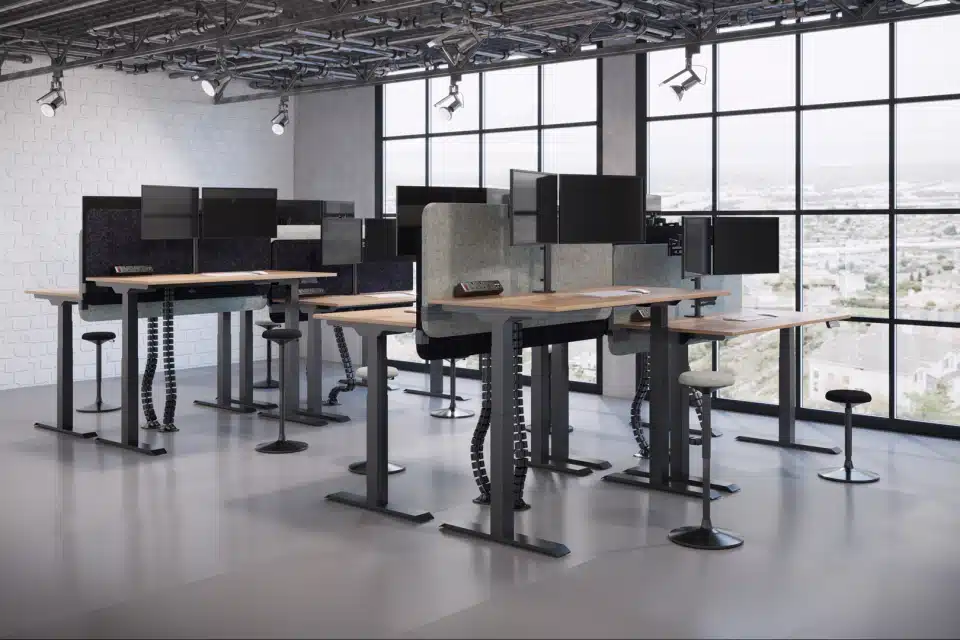
For collaborative or open-plan offices, the Alto 2 also comes as a leading back-to-back bench design, offering all the premium features of the single desk in a shared setup.
Learn more about the benefits of the Alto 2 Standing Office Desk here.
Proper Office Chair: Is your chair your best friend or worst enemy?
Given that a significant portion of your workday is spent meeting and sitting during office work, it is essential to note that investing in a good office chair is not only crucial to your health but also improves your productivity.
Among the numerous types of office chairs available on the market, ergonomic chairs stand out the most, as they offer essential adjustments and provide postural support.
Setting up your office chair to relieve neck pain
When it comes to office chairs, the backrest should extend from the base of the chair to at least the person’s shoulders. This helps provide necessary lean-back support and aids in the slumping that often brings the head position many people have.
If the chair’s lumbar support is not strong enough, a small cushion or a specially designed lumbar roll may provide the necessary support. Only, try to think of that as a temporary remedy. Ultimately, what you need is proper ergonomic office chairs.
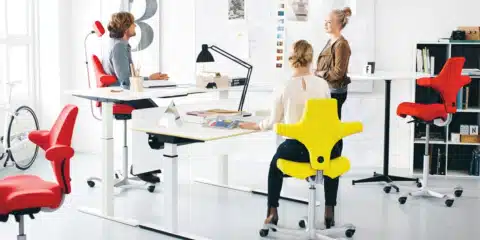
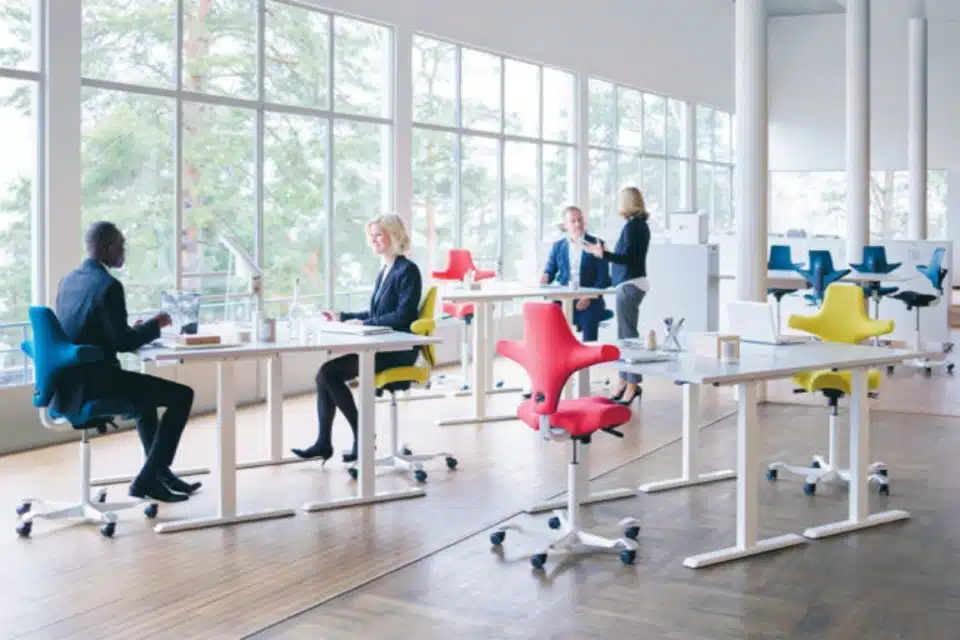
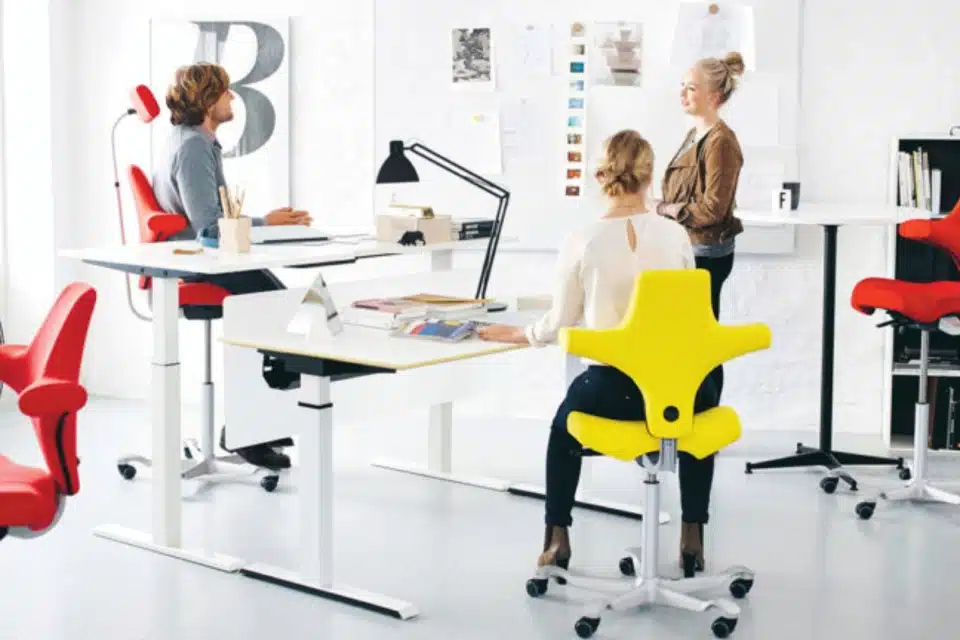
For anyone looking to purchase ergonomic chairs, we recommend Flokk’s HAG Capisco Ergonomic Office Task Chair. The HAG range chairs are designed to promote a healthier, more active, and focused workday by encouraging movement while you sit. The benefits are well worth it. You get unmatched flexibility and comfort while sitting, and your productivity soars.
- Visually striking design with a unique, ergonomically adjustable saddle seat.
- Customisable with various textile upholstery options.
- High-quality support and balance that responds to your every move.
- Adapts to individual users and fits seamlessly into any work environment.
- Easy to disassemble without special tools.
Explore the HÅG Capisco Ergonomic Office Task Chair here.
Of course, the HÅG Capisco is just one fantastic option. We have a much wider selection, so feel free to browse our ergonomic office chair category or simply give our team a call for personalised guidance.
When setting up your chair, remember your armrests should adjust to naturally support your elbows when your arms are relaxed at your sides. You want to avoid having your elbows either too high or too low, as this can strain your neck and upper back significantly.




Most office chairs allow for seat height adjustment
But it’s essential to ensure this setting matches your desk height well. Don’t forget other helpful adjustments, such as tilt control and seat depth, which allow you to fine-tune your chair’s fit perfectly, actively preventing postural strain.
Our office furniture consultancy services are here to help you find your ideal match, ensuring your workspace supports your overall well-being.
Stress: The silent neck pain amplifier
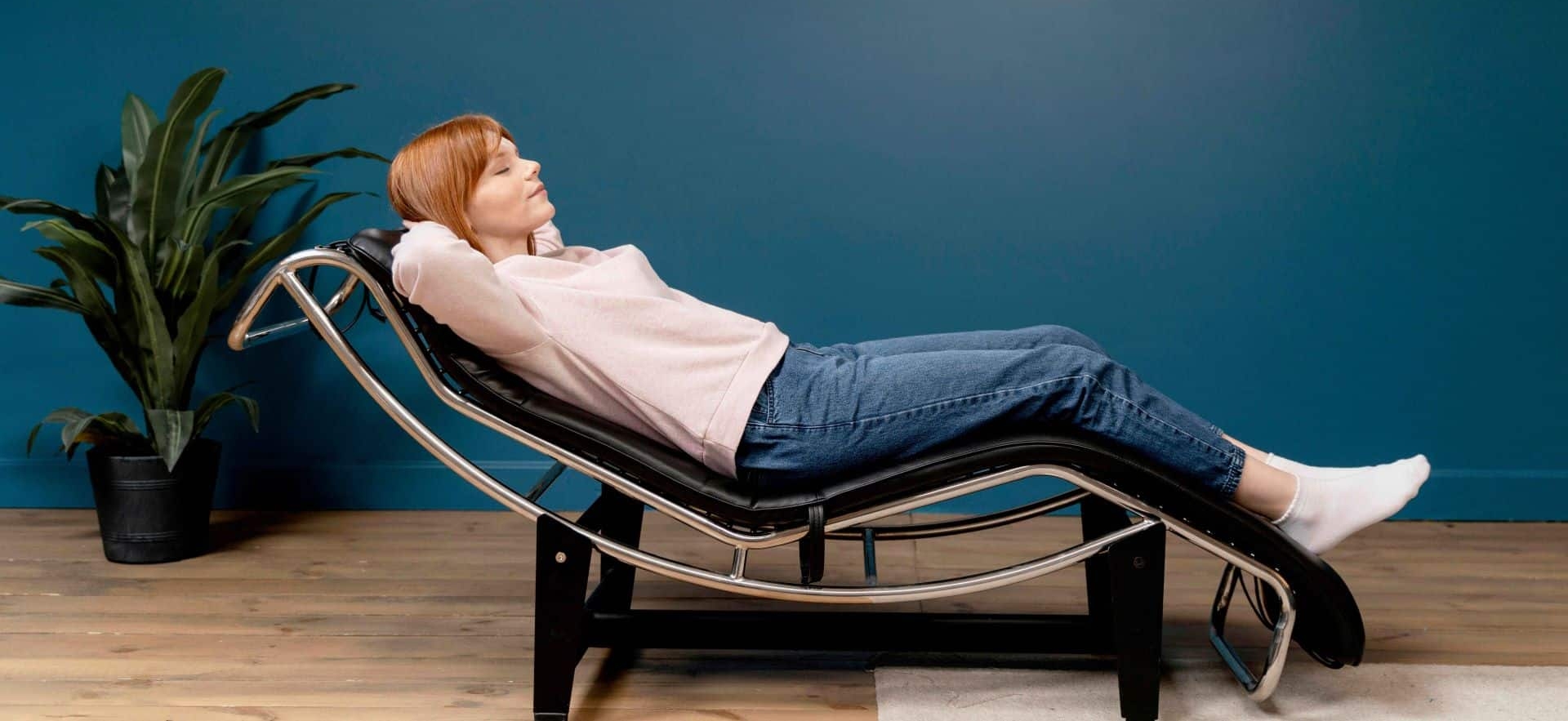
Stress is often overlooked as a source of neck pain, but it can significantly exacerbate the effects of other contributing factors.
When we’re stressed, our shoulders tend to hike up as part of our fight-or-flight response.
This activates and fatigues the muscles in your neck and upper back, leading to that familiar muscle guarding.
Putting it all together for a pain-free workspace
Neck pain is a common occurrence after prolonged hours at the computer, typically caused by a combination of poor posture, suboptimal desk setup, challenging monitor placement, an unsupportive office chair, and stress. The key to kicking neck pain to the curb is figuring out which of these factors is contributing to your discomfort.
Remember that your action plan should include ensuring your office furniture and equipment are set up correctly, and adjusting your workflow as needed to prevent postural strain.
Need help with your office space design or finding the perfect office furniture? Our friendly office furniture experts are here to help make your workspace a happy, healthy place. We’re the office furniture supplier you can trust, especially if you’re in Norfolk and looking for that perfect fit.
So how can you relieve stress for a happier neck?
Stress management techniques can significantly reduce neck pain while you work. Try setting realistic deadlines and breaking some of your big projects into smaller, manageable steps. This helps avoid that “deadline panic.”
Adopting a daily mindfulness meditation practice is also a fantastic way to step back, breathe, and decrease stress.
If you experience headaches due to postural strain, try incorporating stretching exercises and a positional release technique for the suboccipital muscles.
- Grab a small towel roll or a couple of tennis balls in a sock.
- Lie on your back in a quiet, dark room for 5-10 minutes.
- Place the towel roll or tennis balls under the base of your skull, allowing them to gently press against those muscles.
- Focus on slow, deep breaths and achieve pure relaxation for your neck.
Ready to start your next project?
Book a free consultation or get in touch.